Pay NBI Clearance Using GCash Online

To pay your NBI fee using GCash, first copy your reference number from the NBI appointment portal. Then, open the GCash app, go to Bills, select Government, and choose NBI. Enter your reference number and payment amount, then confirm the payment. Below is a detailed guide on how to pay NBI using GCash.
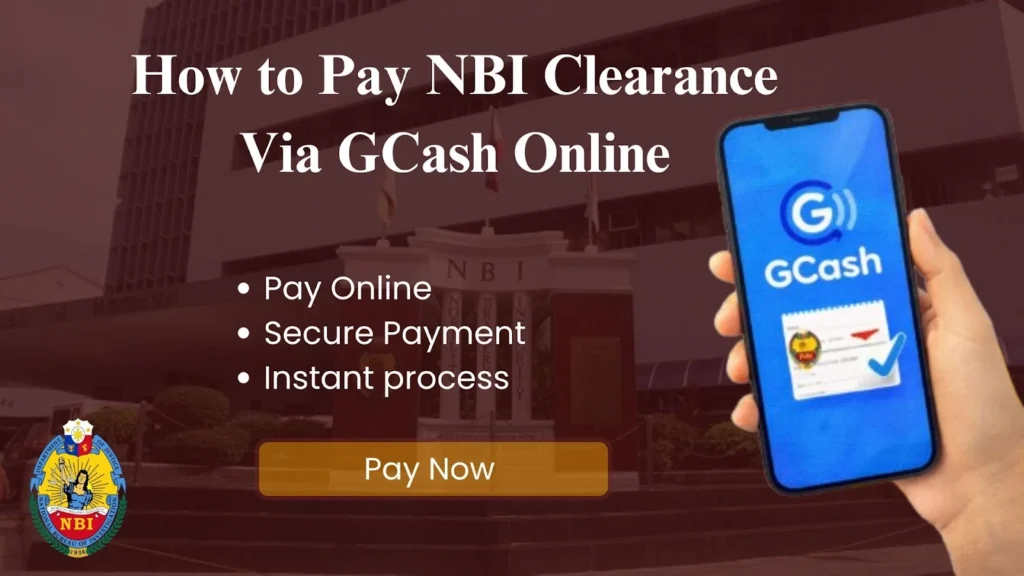
How To Pay NBI Using GCash?
Here is the step-by-step tutorial along with the screenshots to pay NBI via GCash:
- Log in to the NBI portal and copy the reference number you’ll need for payment.
- Now open the GCash app. Make sure your account has enough balance to cover the NBI fee.
- Tap on Bills, then select the Government category.
- From the list of government bills, choose NBI as the payee.
- Input your reference number and the exact amount of your NBI clearance fee. Double-check the information for accuracy.
- Review all the details, then confirm the transaction. GCash will process your payment instantly.
- You’ll receive a confirmation receipt in GCash. Keep it as proof of payment when you go for your NBI clearance appointment. You can also use GCash to pay NBI clearance renewal fees.
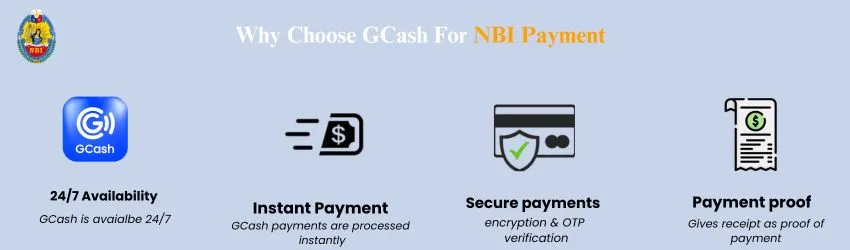
Why Choose GCash Payment For NBI Clearance?
Here are the reasons why you should choose GCash:
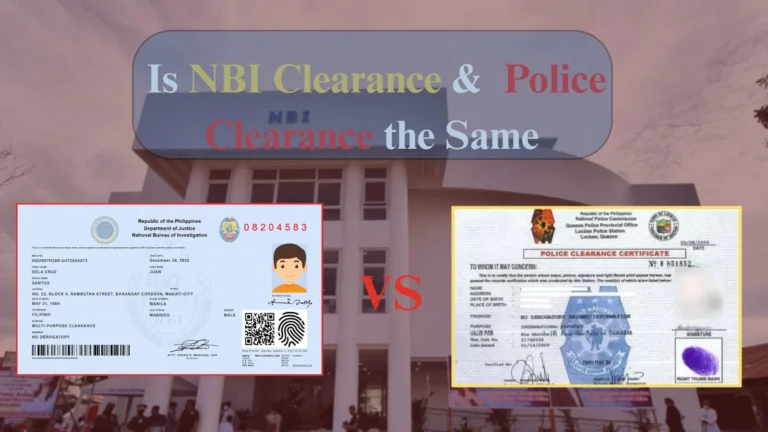
Check the detailed guide about NBI VS police clearance including similarities, difficulties and which one you should get.
Things To Keep In Mind
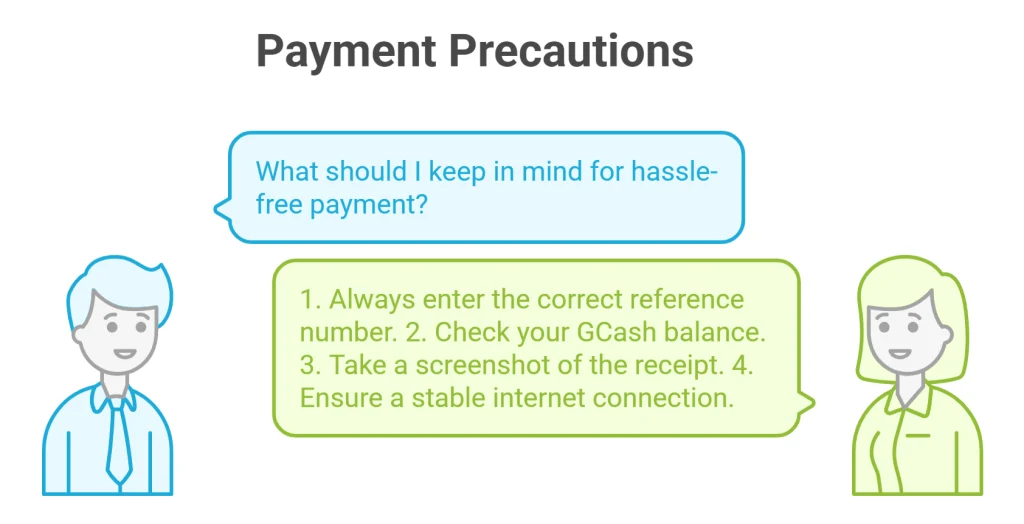
Here are some important precautions that you must keep in mind for hassle-free payment:
- Always enter the correct reference number. Your payment will not be completed if you provide the wrong reference number.
- Check and ensure that your GCash has a sufficient balance to make a payment.
- You will get a receipt on successful payment. Take a screenshot of recept as proof of payment.
- Make sure that your device has a stable internet connection while making a payment.
Check the detailed guide about Hit meaning in NBI and how to cover it.
FAQs
Conclusion
The NBI payments using GCash are officially accepted. To pay for NBI clearance using GCash, copy the reference number from the NBI portal. Then open the GCash app, choose bill, and then NBI. Now paste your reference number and confirm the payment. You will get a receipt on successful payment. Always double-check your reference number and ensure your GCash balance is sufficient.